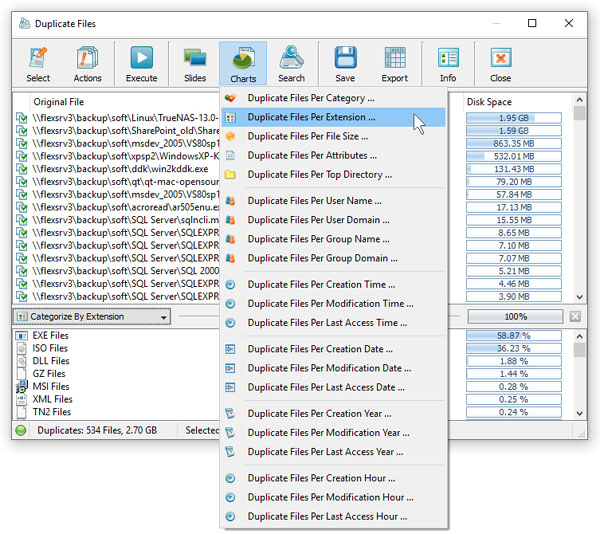
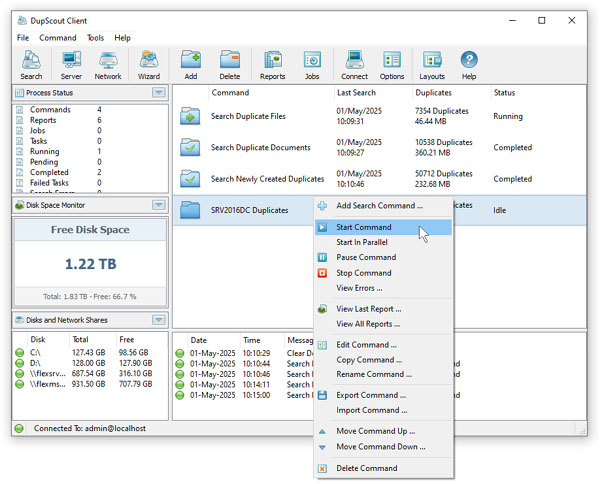
DupScout Server allows one to configure multiple duplicate files search and cleanup commands with each one capable
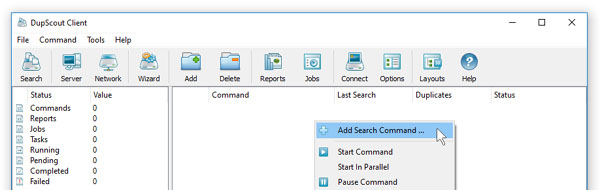
of processing a number of disks, directories, network shares or NAS storage devices. In order to add a new command,
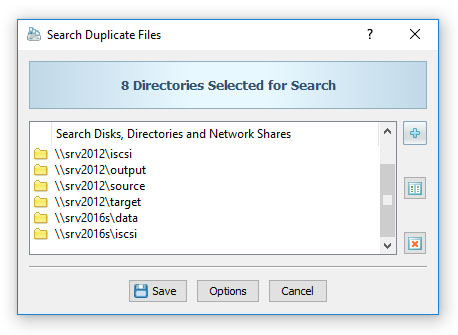
press the 'Add' button located on the main toolbar, specify a unique command name, add one or more disks,
directories or network shares to search in and press the 'Save' button.
In addition, the user is provided with the ability to configure advanced duplicate files search options, specify which
types of duplicate files to search, exclude one or more directories from the duplicate files search process, add one
or more automatic duplicate files removal actions allowing one to select original files and duplicate files removal
actions fully automatically according to user-specified rules and policies.
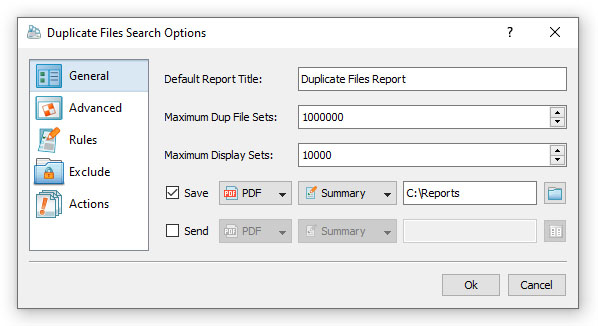
In order to open the duplicate files search options dialog, press the 'Options' button located on the duplicate files
search command dialog. The 'General' options tab allows one to set a custom report title, configure how many duplicate
file sets to display, select the duplicate files detection mode and/or automatically generate HTML, PDF, Excel, XML,
CSV or text reports in a user-specified file or directory.